
Turn PDFs and images into editable PowerPoint
Convert flat slide images and PDFs into editable PowerPoint files without rebuilding from scratch.
Drag & drop images or PDFs here or
Turn Static Slides into Editable PowerPoint
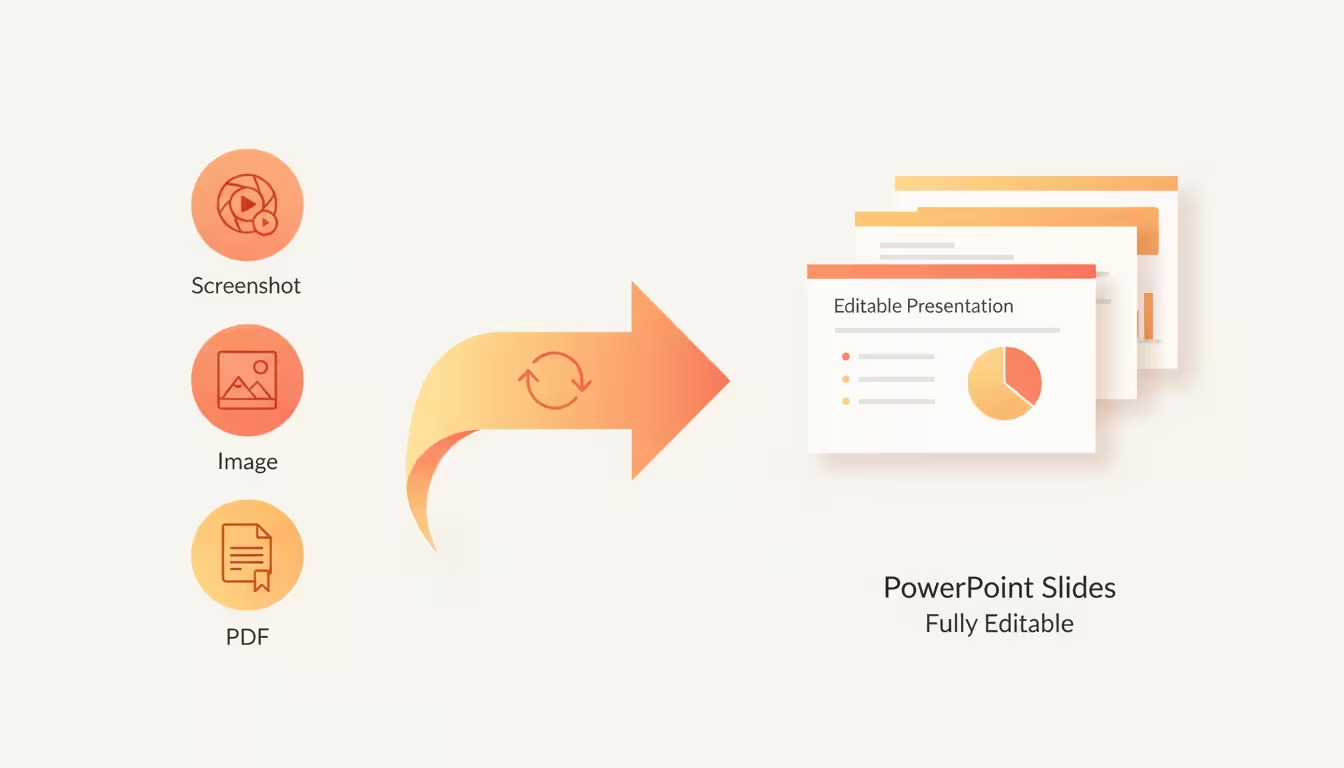
Convert images, screenshots, and PDFs into editable slides while preserving the original design, structure, and visual content.
Convert Slide Images and PDFs
Start with any slide source you have — screenshots, exported images, scanned pages, or PDF files — and turn them back into editable PowerPoint slides.
- Support PNG, JPG, WebP, and PDF files
- Process single slides or complete decks
- Keep the original slide order
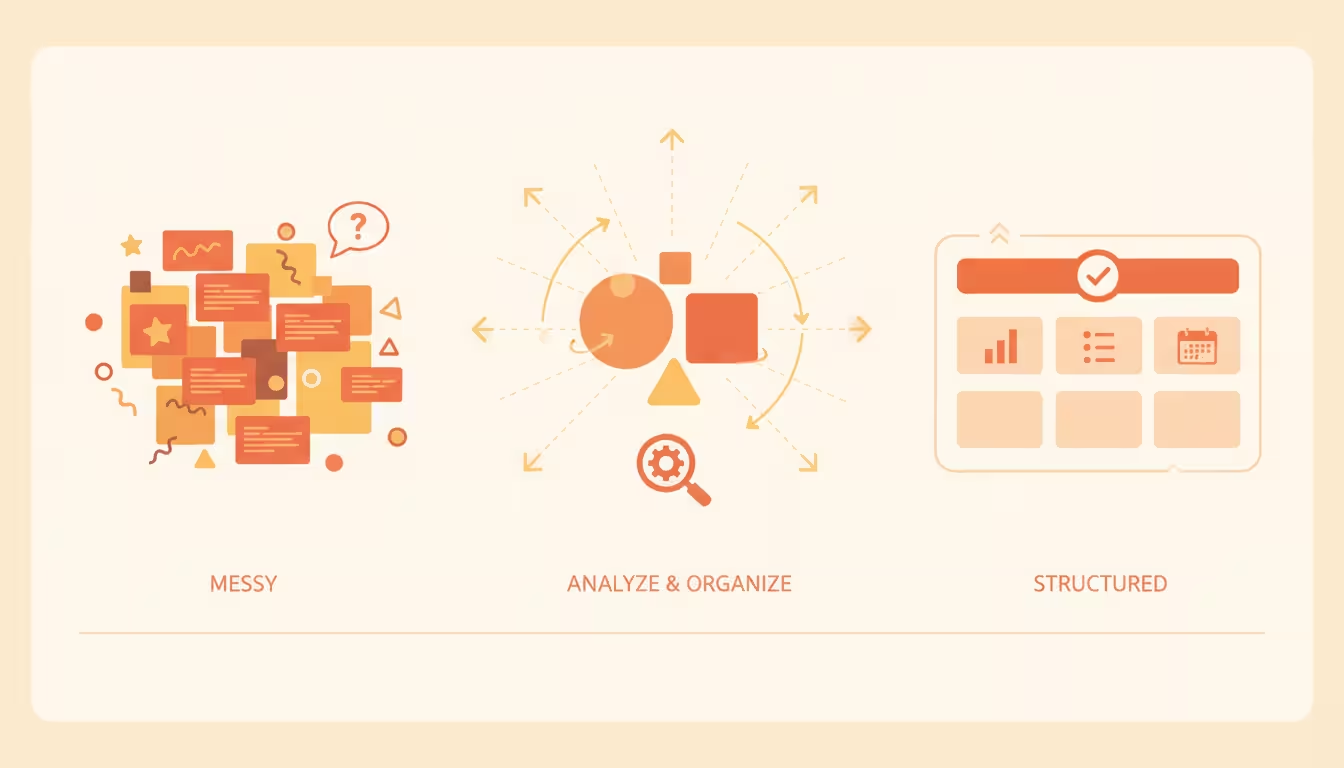
Rebuild the Original Slide Structure
SlideRebuild analyzes the visual layout and reconstructs the elements that make your presentation work.
- Recover text blocks and content hierarchy
- Recreate layouts, spacing, and positioning
- Separate visual elements for further editing
How to Convert Images to Editable PPT
Three simple steps from slide images or PDFs to an editable PowerPoint presentation.
Upload Images or PDF Files
Upload slide screenshots, PNG, JPG, WebP images, or PDF pages. Each page becomes a slide source.
AI Rebuilds Your Slides
SlideRebuild analyzes your files and reconstructs editable PowerPoint content from the visual slide.
Download Editable PPT
Export your rebuilt PowerPoint file and continue editing in PowerPoint, Keynote, or Google Slides.
Recover Slides for Real Workflows
Built for teams that need editable PowerPoint files from shared, archived, or hard-to-edit slide sources.
Missing Source Files
Rebuild an editable deck when all you have left is a PDF export, screenshot, or flattened slide image.
Client-Provided Decks
Turn client screenshots, PDFs, or visual references into slides your team can revise and reuse.
Meeting and Webinar Notes
Convert captured presentation screenshots into editable slides for follow-ups, recaps, and reports.
Archived Presentation Updates
Recover old decks from archives and update their content without recreating every slide by hand.
Training Content Refreshes
Refresh PDF-based training decks so lessons, screenshots, and labels can be edited again.
Sales and Marketing Reuse
Repurpose old pitch decks, campaign slides, and partner materials into new editable presentations.
When the original PowerPoint file is gone
SlideRebuild helps teams recover editable presentations from images, screenshots, and PDFs.
We only had a PDF version of our presentation. SlideRebuild gave us an editable PowerPoint draft instead of rebuilding every slide manually.

Maya L.
Marketing Lead
We had dozens of screenshots from old decks. Converting them into an editable presentation saved our team hours.

Daniel R.
Operations Manager
It is a practical way to recover old training materials when the source PowerPoint files are missing.

Elena W.
Learning Designer
Frequently asked questions
Everything you need to know about converting images and PDFs into editable PowerPoint files.
- What is SlideRebuild?
- SlideRebuild converts images, screenshots, and PDF pages into editable PowerPoint presentations by rebuilding slide content such as text, images, and layouts.
- Can I convert an image to an editable PPT?
- Yes. Upload JPG, PNG, WebP, or screenshot images and SlideRebuild converts them into editable PowerPoint slides.
- Can I convert PDF to editable PowerPoint?
- Yes. Upload PDF pages or complete PDF presentations and SlideRebuild converts them into editable PPT slides.
- What file formats are supported?
- SlideRebuild supports PDF files and common image formats including PNG, JPG, JPEG, and WebP.
- Will every slide element be perfectly editable?
- No automated conversion is perfect. SlideRebuild creates an editable PowerPoint draft that is much faster to refine than recreating slides manually.
- Can I upload multiple images?
- Yes. You can upload multiple slide images and combine them into one editable PowerPoint presentation.
- What does editable PPT mean?
- Editable PPT means your output is a PowerPoint file where content can be adjusted instead of a single flat image placed on each slide.
- Can I edit the exported PowerPoint file?
- Yes. The exported PPT file can be opened and edited in Microsoft PowerPoint, Keynote, and Google Slides.
- How long does conversion take?
- Processing time depends on the number of slides, image quality, and reconstruction complexity.
Convert Your Images into Editable PPT
Upload screenshots, images, or PDF files and get a PowerPoint presentation ready for editing.
Supports PDF, PNG, JPG, and WebP